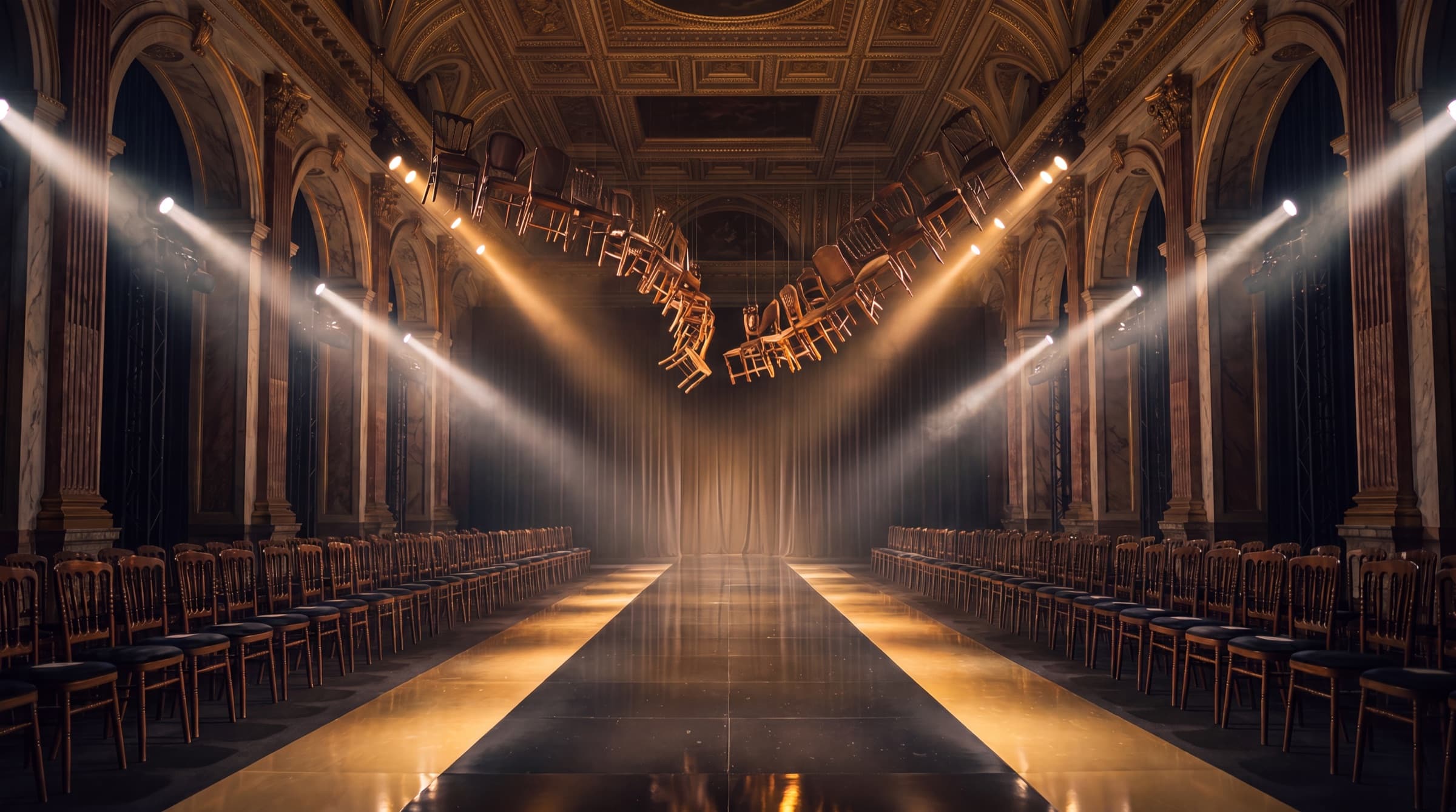
Creator kit.
Everything you need to put your avatar on the official runway. Download the scenes, follow the steps, and submit your walk.
How to enter.
01
Download the scenes
Grab the runway backgrounds below. Each is a clean, empty plate at multiple angles.
02
Place your avatar
Composite or generate your avatar walking the runway, matching the light and perspective of each plate.
03
Render a short walk
Produce a 5 to 10 second clip per angle. Keep the avatar in frame, natural motion, no on-screen text.
04
Submit your Drive link
Drop the clips in a shareable Google Drive folder and paste the link in the entry form.
The runway scenes.
Use these exact plates so every contestant walks the same runway. More angles are being added.
Front runway
Head-on walk toward camera
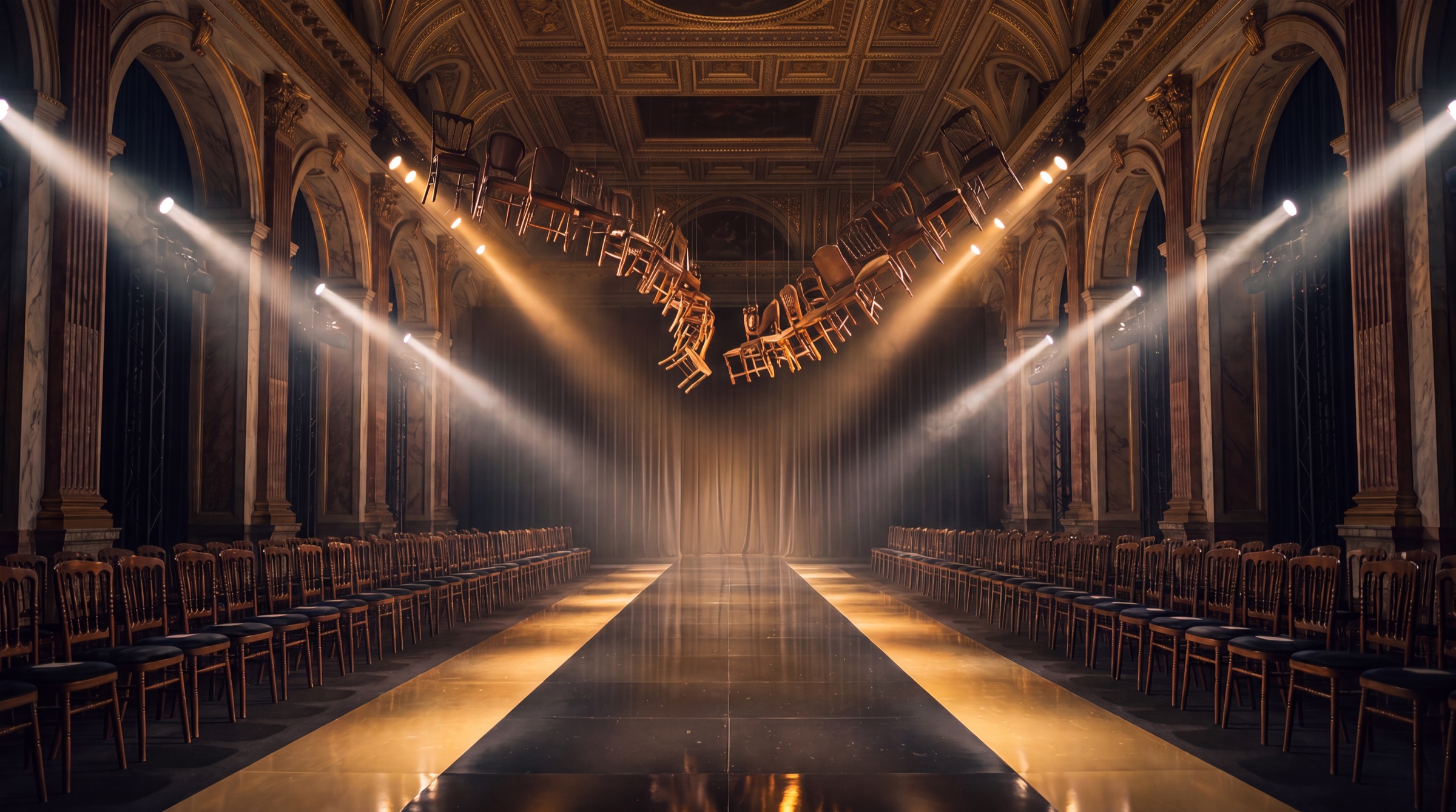
Three-quarter
Elevated side angle of the hall
Runway-level close
Low, intimate foreground
Delivery specs.
Format
MP4 or MOV
Ratio
16:9 and 9:16
Length
5 to 10 sec
Resolution
1080p or higher